
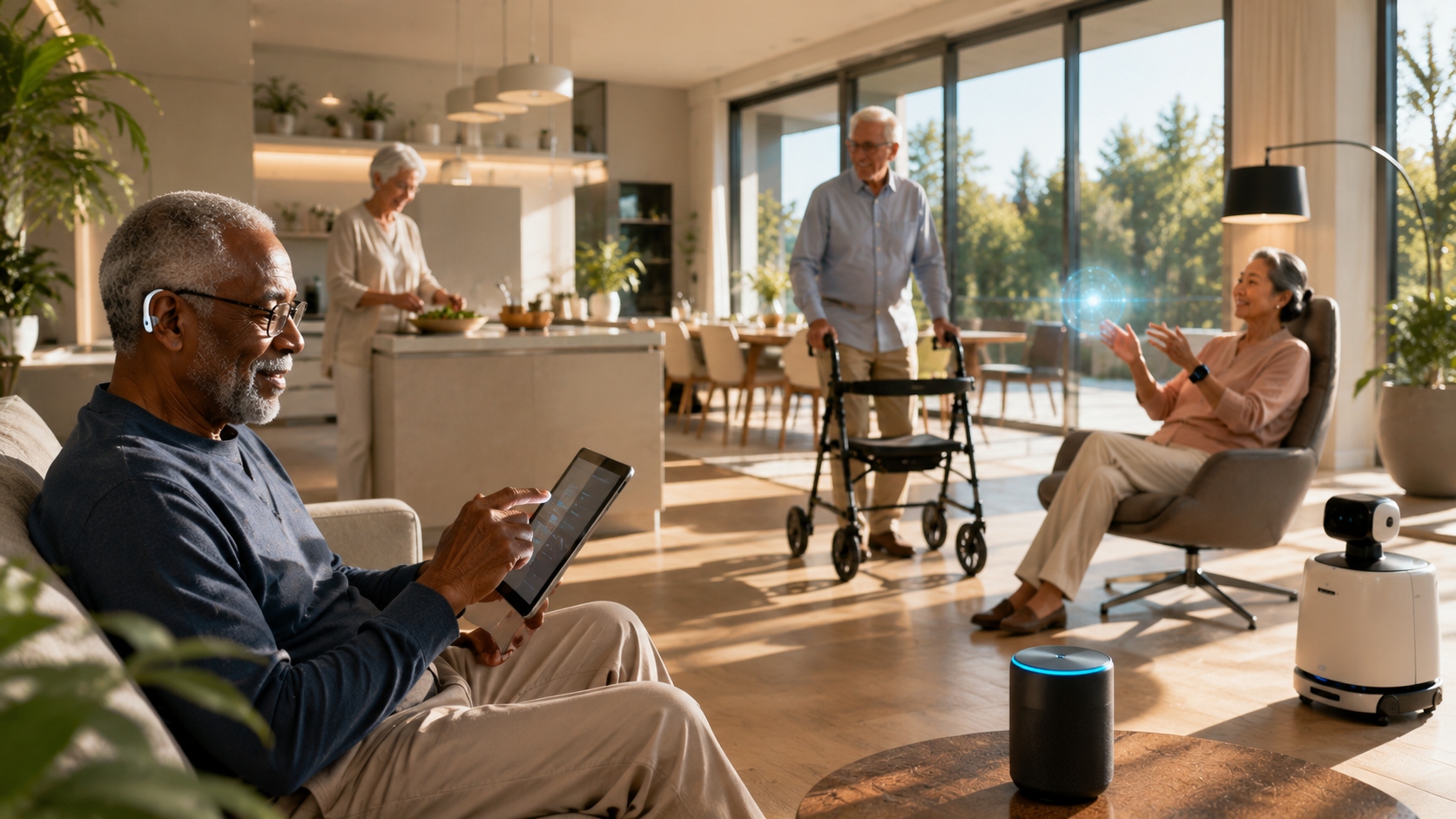
Technology is opening new doors for older adults, and today’s accessibility innovations are making everyday life easier, safer, and more enjoyable than ever before. From voice-controlled devices and adaptive keyboards to smart hearing solutions, mobility aids, and AI-powered assistance, modern innovations are helping seniors stay independent while remaining connected to family, friends, healthcare providers, and the world around them. Whether you’re looking for practical tools to simplify daily routines or cutting-edge technology designed to overcome physical or sensory challenges, understanding the latest accessibility solutions can make a meaningful difference. This Accessibility Innovations section of Senior Street explores the newest products, emerging technologies, expert advice, and practical guides created specifically to enhance comfort, confidence, and quality of life. Our in-depth articles examine how accessible technology continues to evolve, making digital devices, homes, transportation, communication, and entertainment more inclusive for people of every ability level. Whether you’re embracing technology for yourself, helping a loved one, or simply curious about the future of accessible living, you’ll discover trusted resources, helpful insights, and inspiring innovations designed to support greater independence at every stage of life.
A: They are products, features, and design improvements that make homes, technology, communication, transportation, and daily activities easier to use.
A: Not always. Most modern phones include magnification, voice control, captions, screen readers, and customizable display settings.
A: They can be useful for reminders, calls, entertainment, information, and smart-home control when configured carefully.
A: Voice commands, switch controls, trackballs, styluses, adaptive keyboards, and eye-tracking systems may reduce the need for precise touch.
A: Motion lighting, wearable alerts, smart sensors, mobility aids, and fall-detection devices may reduce risks and improve emergency response.
A: Many newer models support wireless connections, but compatibility should be confirmed before purchasing.
A: Some are simple, while others may require professional installation, home modifications, or assistance with setup.
A: Use strong passwords, install updates, limit permissions, review data-sharing settings, and disable features that are not needed.
A: Coverage varies by device, medical need, insurance plan, and location, so benefits should be verified directly.
A: Consider ease of use, comfort, compatibility, support, warranties, return policies, privacy, and the user’s personal goals.